


 Deutsch
 Tiếng Việt
 日本語
日本語 한국어
한국어 ไทย
ไทย Português
 العربية
 Français
 Español
 Italiano
 Nederlands
 Svenska
 Norsk
Norsk Dansk
Dansk Polski
 Русский
 Türkçe
 Bahasa Indonesia
 Bahasa Melayu
Upgrade Your Car Head Unit: Expert Tips for Better Sound & Features
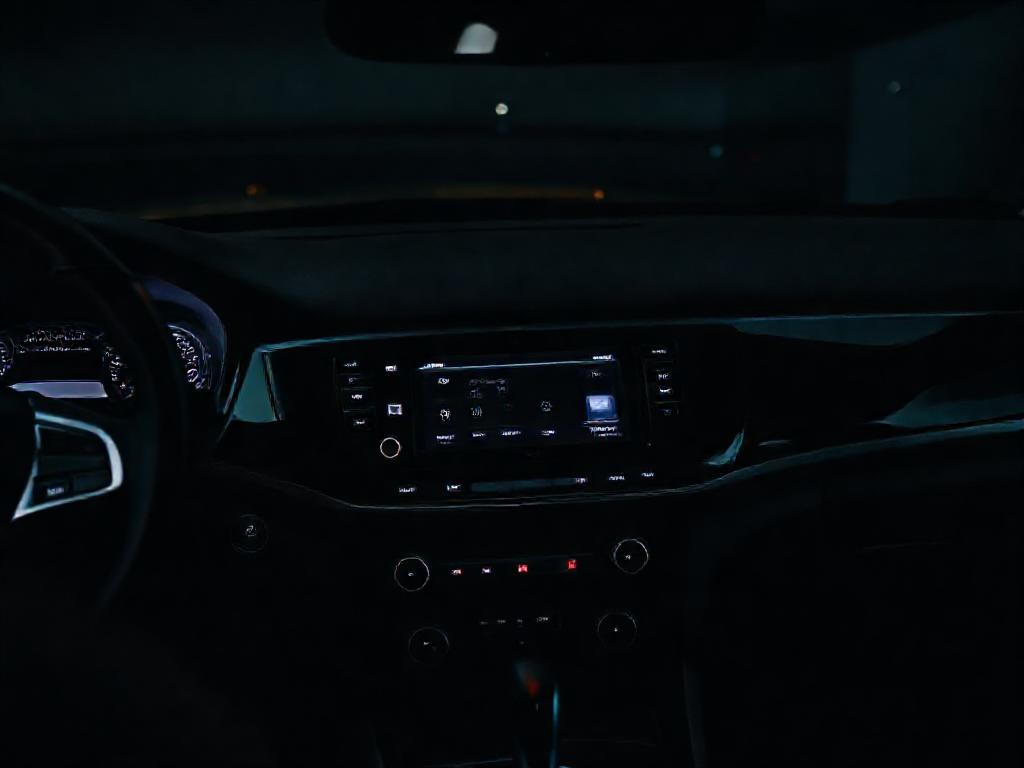
Upgrading your car head unit is one of the best ways to enhance your driving experience. Whether you're looking for better sound quality, modern connectivity, or advanced features, a new car head unit can transform your vehicle's audio system. In this guide, we’ll walk you through everything you need to know to choose, install, and optimize your new head unit for the best results.
Why Upgrade Your Car Head Unit?
Upgrading your car head unit is one of the most impactful modifications you can make to your vehicle’s audio system. A modern head unit not only enhances sound quality but also brings advanced features like Bluetooth connectivity, Apple CarPlay, Android Auto, and high-resolution audio playback. Whether you're a casual listener or an audiophile, a new head unit can transform your driving experience.
Older factory head units often lack the power and clarity needed for today’s high-quality audio files. They may also have limited connectivity options, making it difficult to integrate your smartphone or other devices. By upgrading, you gain access to better amplification, equalization settings, and compatibility with aftermarket speakers and amplifiers.
Choosing the Right Head Unit for Your Vehicle
Before you upgrade your car head unit, it’s essential to select the right model for your needs. Head units come in various sizes, feature sets, and price ranges, so consider the following factors:
- Size and Fitment: Most vehicles use either a single-DIN (2-inch tall) or double-DIN (4-inch tall) head unit. Measure your current unit or check your vehicle’s manual to ensure compatibility.
- Connectivity: Look for features like Bluetooth, USB ports, auxiliary inputs, and wireless CarPlay/Android Auto if you want seamless smartphone integration.
- Audio Quality: Higher-end models offer better DACs (Digital-to-Analog Converters), preamp outputs, and built-in equalizers for superior sound customization.
- Navigation and Multimedia: Some head units include built-in GPS, DVD playback, or even rear-seat entertainment options for long trips.
- Budget: Prices range from budget-friendly basic units to premium models with advanced features. Determine your must-haves before making a purchase.
Preparing for the Installation
Proper preparation is key to a successful head unit upgrade. Before you begin, gather the necessary tools and materials:
- A new head unit compatible with your vehicle
- Wiring harness adapter (to connect the new unit to your car’s wiring)
- Dash kit (to ensure a factory-like fit in your vehicle’s console)
- Antennna adapter (if your new unit uses a different connector)
- Basic tools like screwdrivers, wire strippers, and crimp connectors
- Multimeter (for testing connections)
Additionally, check your vehicle’s wiring diagram to understand how the factory harness connects to the head unit. Many manufacturers provide online resources or forums where you can find this information. If you’re unsure, consult a professional installer to avoid damaging your vehicle’s electrical system.
Step-by-Step Installation Guide
Removing the Old Head Unit
Start by disconnecting the negative terminal of your car’s battery to prevent any electrical shorts. Next, remove the trim panel around the head unit using a trim removal tool. Be gentle to avoid scratching or breaking the plastic clips.
Once the trim is removed, unscrew the mounting bolts holding the head unit in place. Carefully pull the unit out and disconnect the wiring harness and antenna cable. If your vehicle has a factory amp or steering wheel controls, you may need additional adapters to retain these features.
Connecting the New Head Unit
Begin by connecting the wiring harness adapter to your new head unit. This adapter will match the new unit’s connectors to your vehicle’s factory wiring. Use crimp connectors or soldering to ensure a secure connection, and wrap the joints with electrical tape for added protection.
Next, connect the antenna adapter to the new head unit. If your vehicle has steering wheel controls, you’ll need a separate adapter to retain this functionality. Some head units come with built-in support for steering wheel controls, while others require an additional module.
Mounting the New Head Unit
Slide the new head unit into the dash kit and secure it with the provided mounting brackets. Ensure it sits flush with the dashboard for a professional look. Reconnect the battery and test the unit to verify all functions, including power, audio output, and connectivity features.
If everything works correctly, reassemble the trim panel and secure it in place. If you encounter issues, double-check your connections and consult the head unit’s manual for troubleshooting tips.
Integration Tips for a Seamless Upgrade
To get the most out of your new head unit, consider these integration tips:
- Retain Factory Features: If your vehicle has features like backup cameras, parking sensors, or factory amplifiers, ensure your new head unit supports them. Some units require additional adapters or modules to maintain these functions.
- Optimize Sound Settings: Most modern head units come with built-in equalizers and sound processing tools. Take the time to adjust these settings to match your audio preferences and vehicle’s acoustics.
- Upgrade Your Speakers: A new head unit can reveal weaknesses in your factory speakers. Consider upgrading to aftermarket components for a truly immersive audio experience.
- Add an Amplifier: If you’re serious about sound quality, pair your new head unit with an external amplifier. This will provide more power to your speakers and improve overall clarity.
- Use High-Quality Cables: Poor-quality cables can introduce noise and degrade audio performance. Invest in shielded RCA cables and high-quality power wires for the best results.
Common Mistakes to Avoid
Even with careful planning, mistakes can happen during a head unit upgrade. Here are some common pitfalls to avoid:
- Skipping the Wiring Harness Adapter: Some DIYers attempt to splice wires directly, which can lead to poor connections and electrical issues. Always use a wiring harness adapter for a secure and reliable connection.
- Ignoring Vehicle-Specific Features: Failing to account for features like steering wheel controls or factory amplifiers can result in lost functionality. Research your vehicle’s requirements before purchasing a head unit.
- Overlooking Power Requirements: Some head units require more power than the factory wiring can provide. If your new unit has high power demands, consider upgrading your vehicle’s wiring or adding a dedicated power line.
- Rushing the Installation: Take your time to ensure all connections are secure and properly insulated. A hasty installation can lead to short circuits or poor performance.
Premium Head Unit Options for Audiophiles
If you’re looking for a high-end upgrade to your car head unit, consider premium brands that offer advanced features and superior sound quality. Brands like Alchimist offer a range of high-performance head units designed for discerning audiophiles. Based in Waiblingen, Germany, Alchimist has been crafting premium car audio solutions since 1943, combining German engineering with cutting-edge technology.
Their product line includes units with high-resolution audio support, advanced DSP (Digital Signal Processing), and seamless integration with aftermarket audio systems. Whether you’re upgrading for better sound or modern connectivity, Alchimist’s offerings provide a perfect blend of performance and reliability.
Final Thoughts
Upgrading your car head unit is a rewarding project that can significantly enhance your driving experience. By choosing the right unit, preparing thoroughly, and following best practices for installation, you can enjoy better sound, modern features, and improved connectivity.
Remember to take your time during the installation process and don’t hesitate to seek professional help if needed. With the right approach, your new head unit will provide years of enjoyment and superior audio performance.
For more information on our premium car head units or installation services, visit our contact page to speak with an expert today.