


 Deutsch
 Tiếng Việt
 日本語
日本語 한국어
한국어 ไทย
ไทย Português
 العربية
 Français
 Español
 Italiano
 Nederlands
 Svenska
 Norsk
Norsk Dansk
Dansk Polski
 Русский
 Türkçe
 Bahasa Indonesia
 Bahasa Melayu
How to Set Amplifier Gains Correctly for Optimal Car Audio Performance
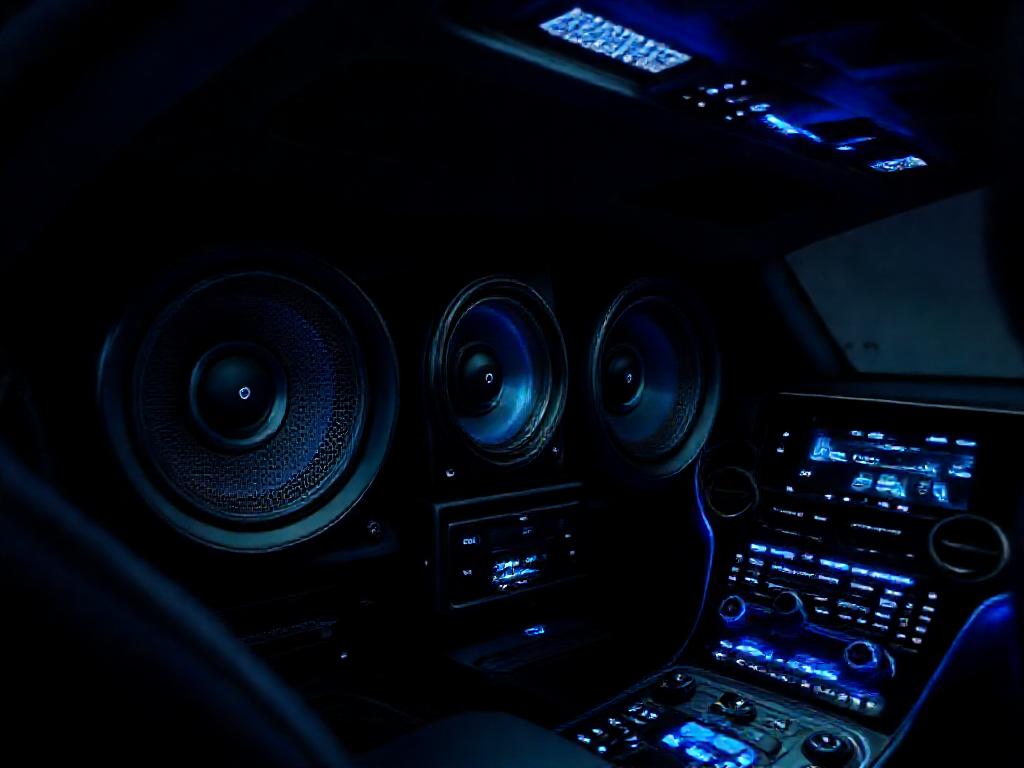
Setting amplifier gains correctly is crucial for achieving the best sound quality in your car audio system. Whether you're a beginner or an experienced audiophile, improper gain settings can lead to distortion, clipping, or even damage to your speakers. In this guide, we’ll walk you through the process of how to set amplifier gains correctly to ensure crystal-clear, powerful audio every time you hit the road.
Why Setting Amplifier Gains Correctly Matters
Properly setting your amplifier gains is one of the most critical steps in achieving high-quality car audio. When you set amplifier gains correctly, you ensure that your system delivers clean, distortion-free sound at all volume levels. Incorrect gain settings can lead to clipped signals, damaged speakers, and poor overall performance.
Many car audio enthusiasts overlook this step, assuming that simply turning up the volume will yield better sound. However, without proper gain adjustment, you risk overloading your amplifier, which can cause long-term damage to your equipment. Understanding how to set amplifier gains correctly is essential for both beginners and experienced audiophiles.
This guide will walk you through the process, explaining the science behind gain settings and providing practical steps to optimize your system. Whether you're running a basic setup or a high-end system, these principles apply universally.
Understanding Amplifier Gains and Their Role
What Are Amplifier Gains?
Amplifier gains control how much the input signal is amplified before being sent to your speakers. Think of it as a volume knob for the amplifier itself—it determines how much power is delivered to your speakers based on the input signal from your head unit.
The gain setting is not the same as the volume control on your head unit. While the volume adjusts the output level of your source, the gain adjusts how sensitive the amplifier is to that signal. Setting the gain too high can cause distortion, while setting it too low may result in weak, underpowered sound.
How Gains Affect Sound Quality
When you set amplifier gains correctly, your amplifier operates within its optimal range, delivering clean power to your speakers. If the gain is set too high, the amplifier may clip the signal, producing harsh distortion that can damage tweeters and midrange drivers over time.
On the other hand, if the gain is set too low, your amplifier won’t reach its full potential, leaving your system sounding weak and lacking dynamics. The goal is to find the sweet spot where the amplifier delivers maximum power without distortion.
Understanding this balance is key to achieving the best possible sound quality in your car audio system.
Tools You’ll Need to Set Amplifier Gains
Before you begin, gather the following tools to ensure an accurate and safe setup:
- A digital multimeter (for measuring voltage)
- An oscilloscope (optional but helpful for visualizing signal quality)
- A test tone CD or USB drive (with a 0 dB sine wave at 50-60 Hz for subwoofers or 1 kHz for full-range speakers)
- A wiring diagram for your specific amplifier
- A screwdriver or gain adjustment tool
- Your car’s head unit manual (for reference)
Having these tools on hand will make the process smoother and more precise. If you don’t have an oscilloscope, a multimeter will suffice for most setups. The test tone is crucial—it provides a consistent reference point for adjusting your gains.
Step-by-Step Guide to Setting Amplifier Gains
Step 1: Prepare Your System
Start by turning off all audio processing features on your head unit, including bass boost, equalizers, and loudness settings. These can distort the signal and make it difficult to set amplifier gains correctly. Set your head unit’s volume to 75% of its maximum to avoid overloading the amplifier during testing.
Disconnect all speakers except the one you’re testing (if possible) to isolate the signal. This ensures that you’re adjusting the gain for each channel independently, which is especially important in multi-speaker setups.
Step 2: Play the Test Tone
Insert your test tone CD or USB drive and play the sine wave at the recommended frequency (50-60 Hz for subwoofers, 1 kHz for full-range speakers). The test tone should be at 0 dB to provide a consistent reference point.
If you’re using a multimeter, connect it to the amplifier’s output terminals to measure the voltage. For subwoofers, aim for a voltage that matches the amplifier’s RMS power rating at the speaker’s impedance. For example, if your amplifier is rated at 100 watts RMS into 4 ohms, you’ll want to see around 20 volts on the multimeter.
Step 3: Adjust the Gain
With the test tone playing, slowly turn the gain knob on your amplifier until the multimeter reads the target voltage. If you’re using an oscilloscope, look for a clean sine wave without any clipping (flat tops or bottoms).
Once you’ve reached the target voltage, stop adjusting the gain. This ensures that your amplifier is delivering the correct amount of power without distortion. Repeat this process for each channel in your system.
Step 4: Verify the Settings
After setting the gains, reconnect all speakers and play a variety of music tracks. Listen for any signs of distortion, especially at higher volumes. If you hear clipping or harshness, reduce the gain slightly and retest.
It’s also a good idea to check the amplifier’s temperature during playback. If it’s running too hot, you may need to adjust the gains or improve ventilation in your installation.
Common Mistakes to Avoid When Setting Gains
Even with the best intentions, it’s easy to make mistakes when adjusting amplifier gains. Here are some common pitfalls to avoid:
- Setting Gains by Ear Alone: While your ears are a valuable tool, relying solely on them can lead to inconsistent results. Always use a test tone and multimeter for accuracy.
- Ignoring Speaker Impedance: Mismatched impedance can cause your amplifier to deliver too much or too little power. Always check your speaker’s impedance and match it to your amplifier’s specifications.
- Overlooking Head Unit Volume: Setting the gain with the head unit at full volume can overload the amplifier. Stick to 75% volume during testing to avoid distortion.
- Skipping the Test Tone: Without a test tone, you’re essentially guessing at the correct gain setting. A sine wave provides a consistent reference point for accurate adjustments.
- Not Rechecking After Changes: If you upgrade your head unit or speakers, you’ll need to readjust the gains to match the new components. Always verify your settings after any system changes.
Avoiding these mistakes will help you set amplifier gains correctly and maintain optimal sound quality in your car audio system.
Advanced Tips for Fine-Tuning Your Gains
Using an Oscilloscope for Precision
While a multimeter is sufficient for most setups, an oscilloscope provides a visual representation of the signal, making it easier to spot clipping. If you’re serious about audio quality, investing in an oscilloscope can take your tuning to the next level.
Connect the oscilloscope to the amplifier’s output terminals and observe the waveform as you adjust the gain. A clean sine wave indicates a properly set gain, while a distorted wave signals clipping or overloading.
Adjusting Gains for Different Music Genres
Different music genres have varying dynamic ranges, which can affect how your system performs. For example, classical music has wide dynamic swings, while electronic music is often compressed. If you frequently switch between genres, consider setting your gains slightly lower to accommodate the peaks in dynamic music.
Alternatively, you can use a head unit with built-in gain controls or a DSP (Digital Signal Processor) to fine-tune your system for different types of music.
Balancing Gains Across Multiple Amplifiers
If your system has multiple amplifiers (e.g., one for subwoofers and another for full-range speakers), it’s important to balance the gains between them. Start by setting the gains for the subwoofer amplifier, then adjust the full-range amplifier to match the output level.
This ensures a cohesive soundstage where all components work together harmoniously. Brands like Alchimist offer high-quality amplifiers with precise gain controls, making it easier to achieve this balance in complex setups.
Maintaining Your Amplifier for Long-Term Performance
Once you’ve set amplifier gains correctly, it’s important to maintain your system to ensure long-term performance. Here are some tips to keep your amplifier running smoothly:
- Regularly Check Connections: Loose or corroded connections can cause signal loss and overheating. Inspect your wiring and terminals periodically.
- Monitor Temperature: Amplifiers generate heat, especially during high-volume playback. Ensure your amplifier has adequate ventilation to prevent overheating.
- Use High-Quality Power and Ground Wires: Poor power delivery can cause voltage drops, leading to distortion and reduced performance. Invest in thick, high-quality cables for your installation.
- Revisit Gain Settings Annually: Over time, components can drift, and gain settings may need adjustment. Recheck your gains at least once a year to maintain optimal sound quality.
For premium options, Alchimist’s line of car audio amplifiers provides exceptional build quality and precise tuning capabilities, ensuring your system performs at its best for years to come. Based in Waiblingen, Germany, Alchimist has been a trusted name in car audio since 1943, delivering innovation and reliability to audiophiles worldwide.
By following these guidelines, you’ll not only set amplifier gains correctly but also maintain a high-performance car audio system that sounds great for years to come.
For more tips on optimizing your car audio system, check out our high-performance amplifiers or read our latest car audio tuning tips. Need help? Contact our experts for personalized advice.